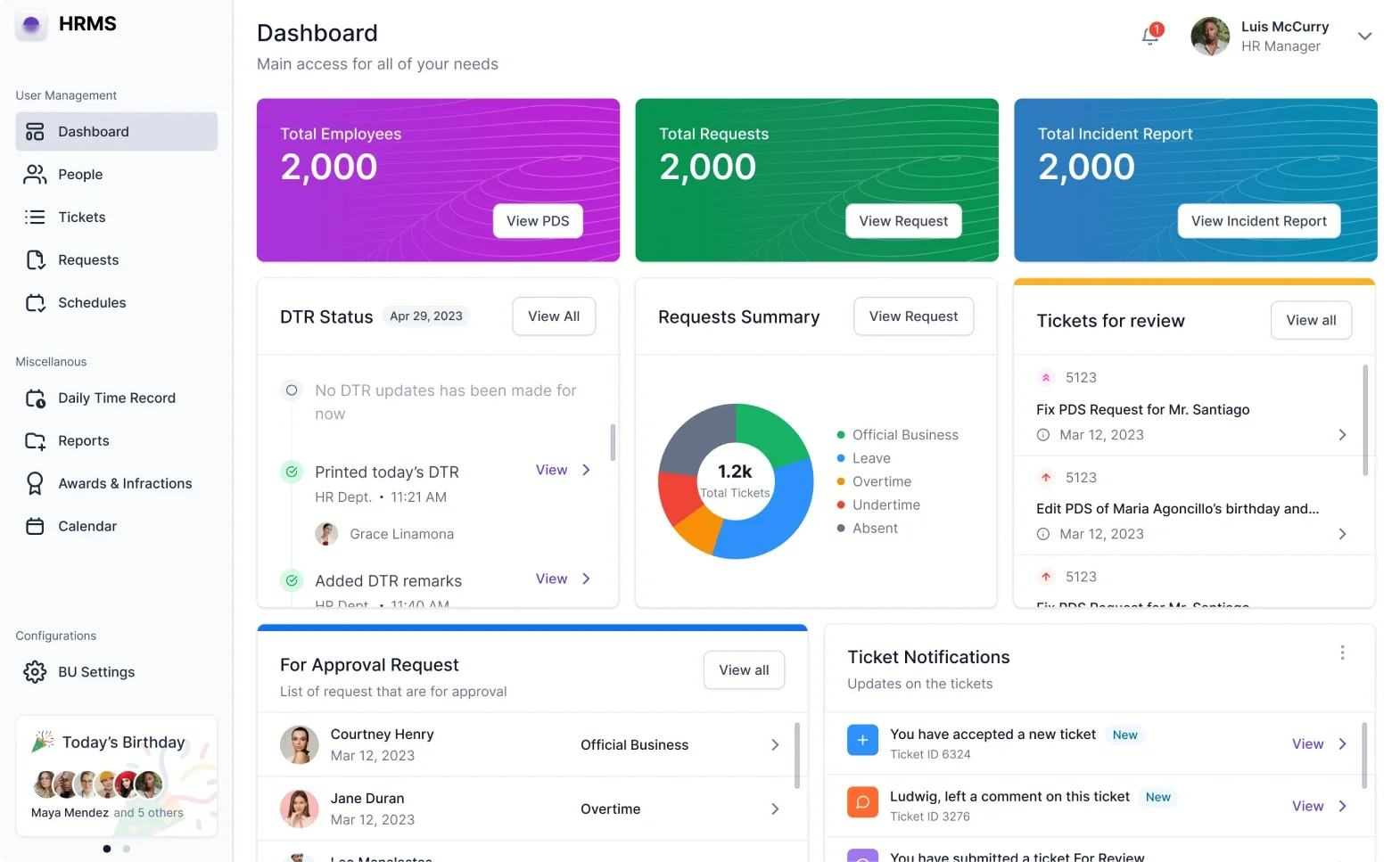
Scrapped and rebuilt 54 screens to unblock development.
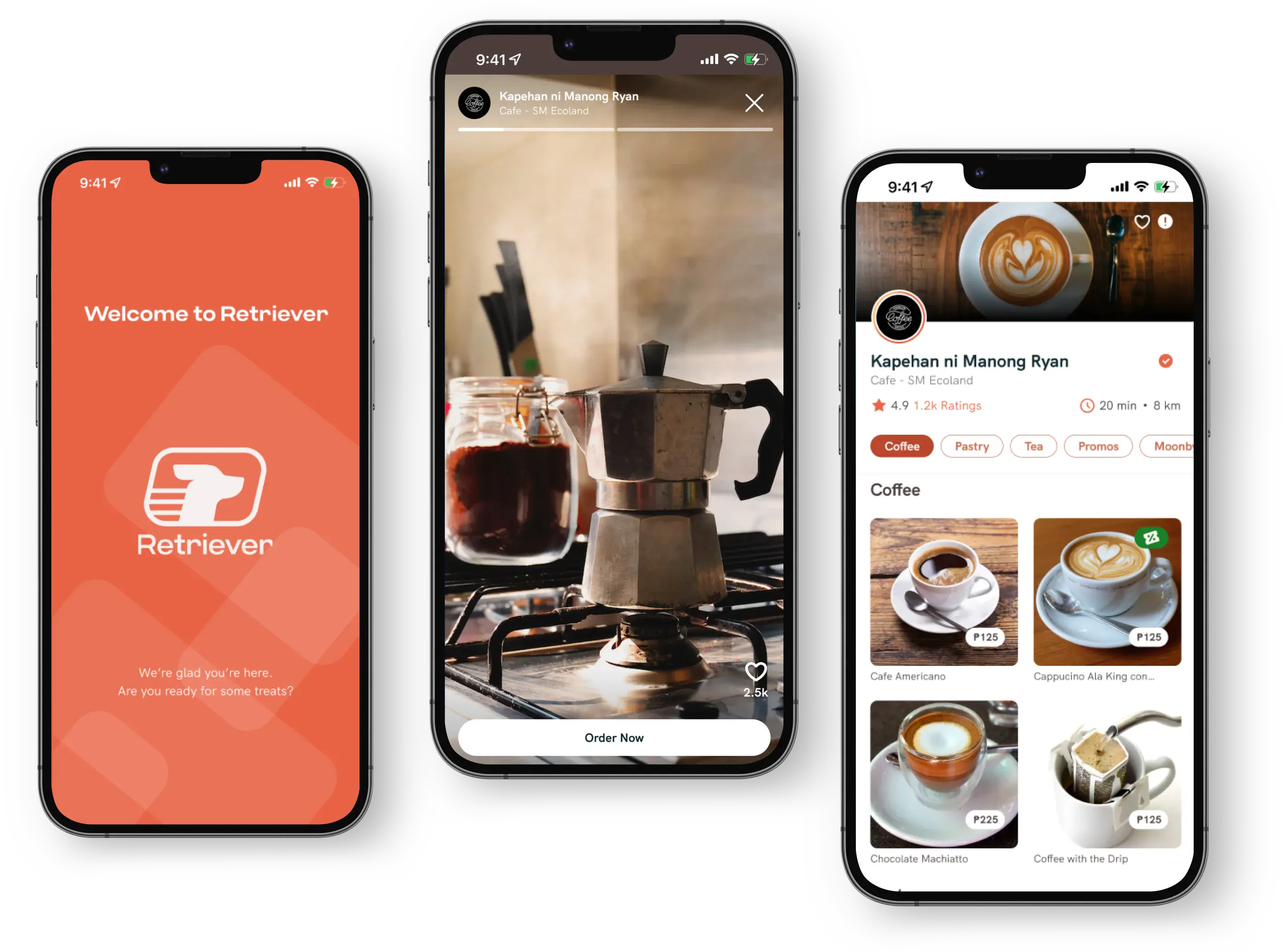
Retriever PH is a food delivery app for Davao City. The previous designer's work was unusable — wrong dimensions, no system, broken prototypes. I rebuilt everything from scratch in two months.
Overview
A local food delivery startup needed their app redesigned after the first designer's work couldn't be implemented. I rebuilt the entire mobile experience across three user types — buyer, seller, and rider.
Role
Sole product designer. Responsible for audit, design system, all screens, prototyping, and developer handoff.
Timeline
June — August 2022. Two months from audit to complete handoff of 54 screens.
Platform
Mobile app (iOS & Android). Three user types: Buyer, Merchant, Rider.
What I inherited
The existing file was unusable.
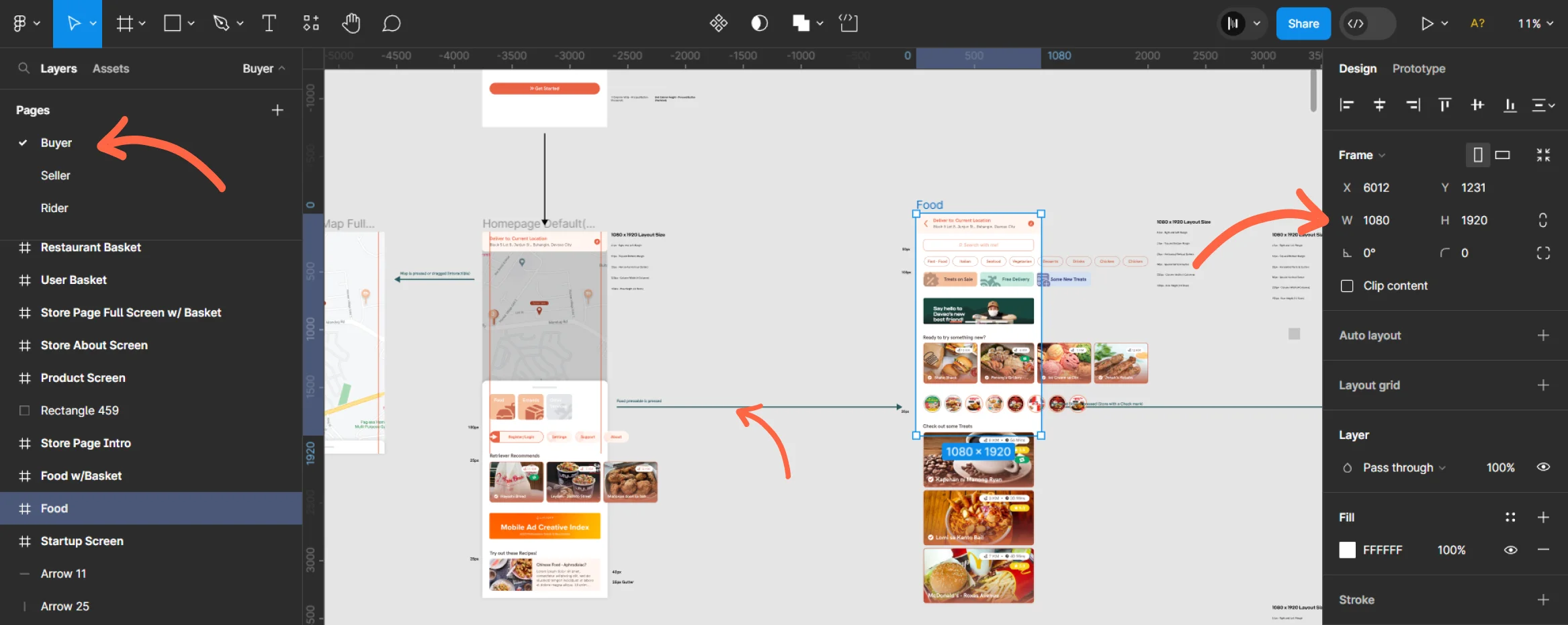
The previous designer's Figma file: 1080x1920 frames (not a real device), no brand guidelines, tangled prototype connections, and inconsistent layouts across every screen.
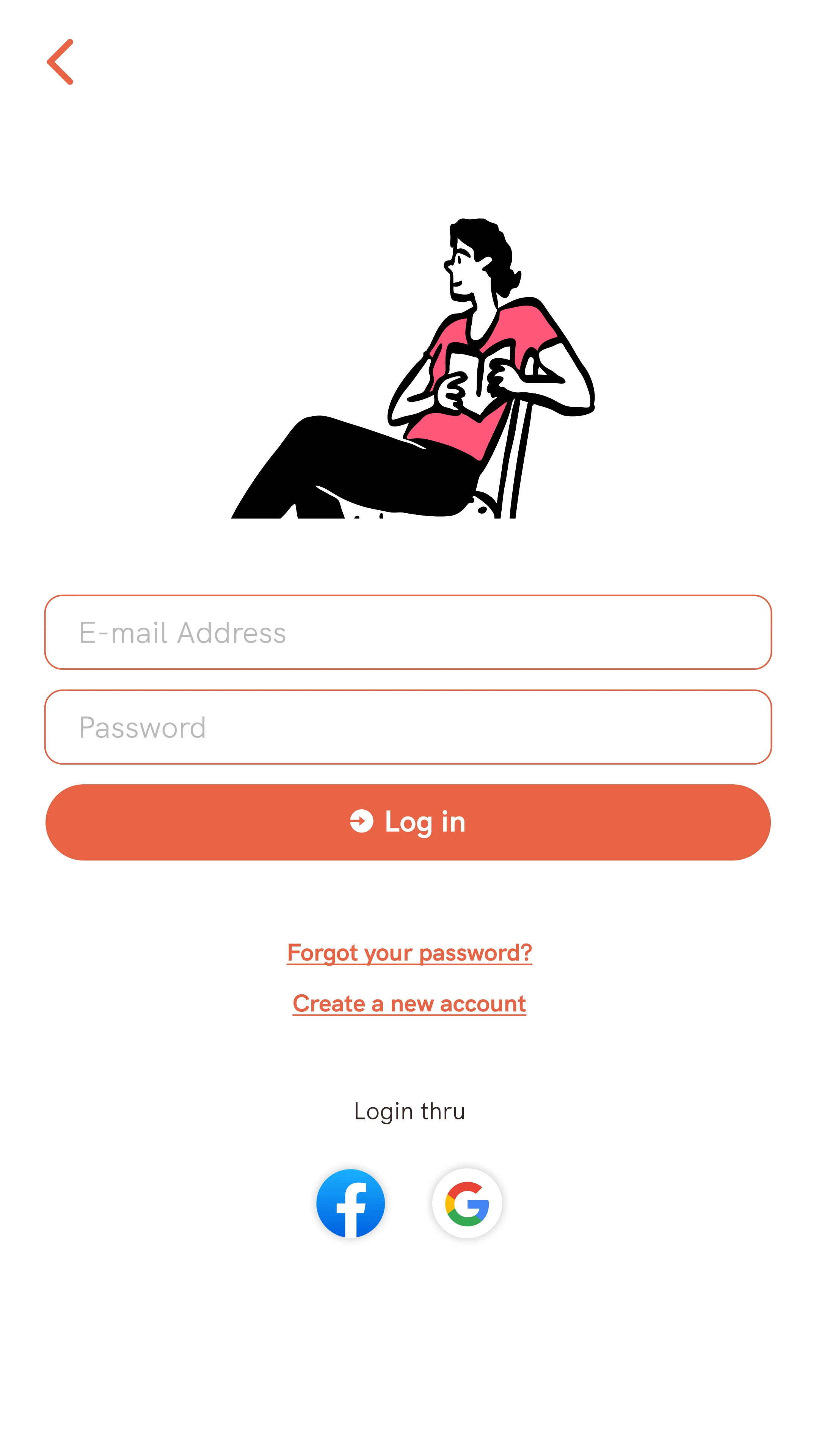
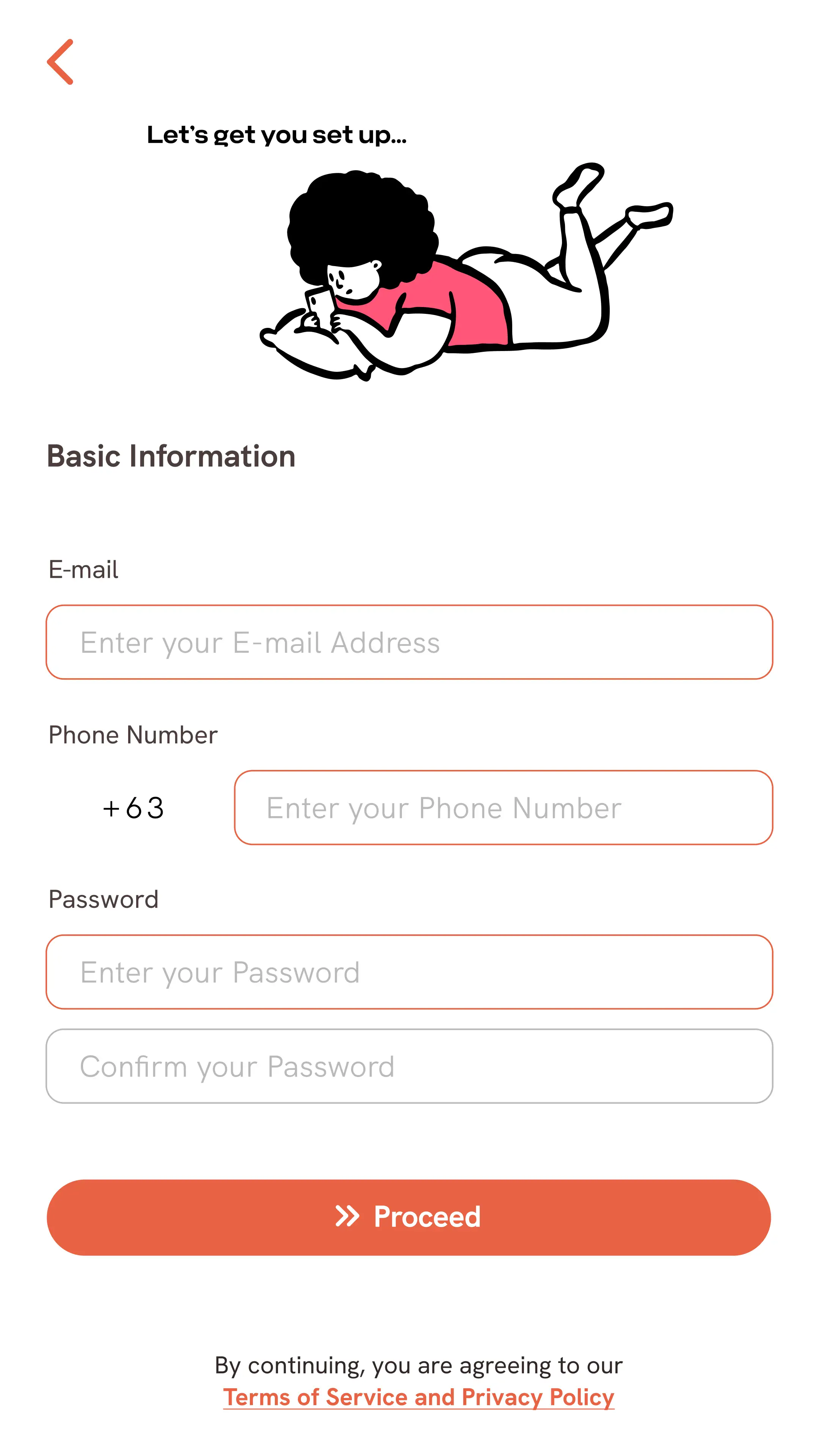
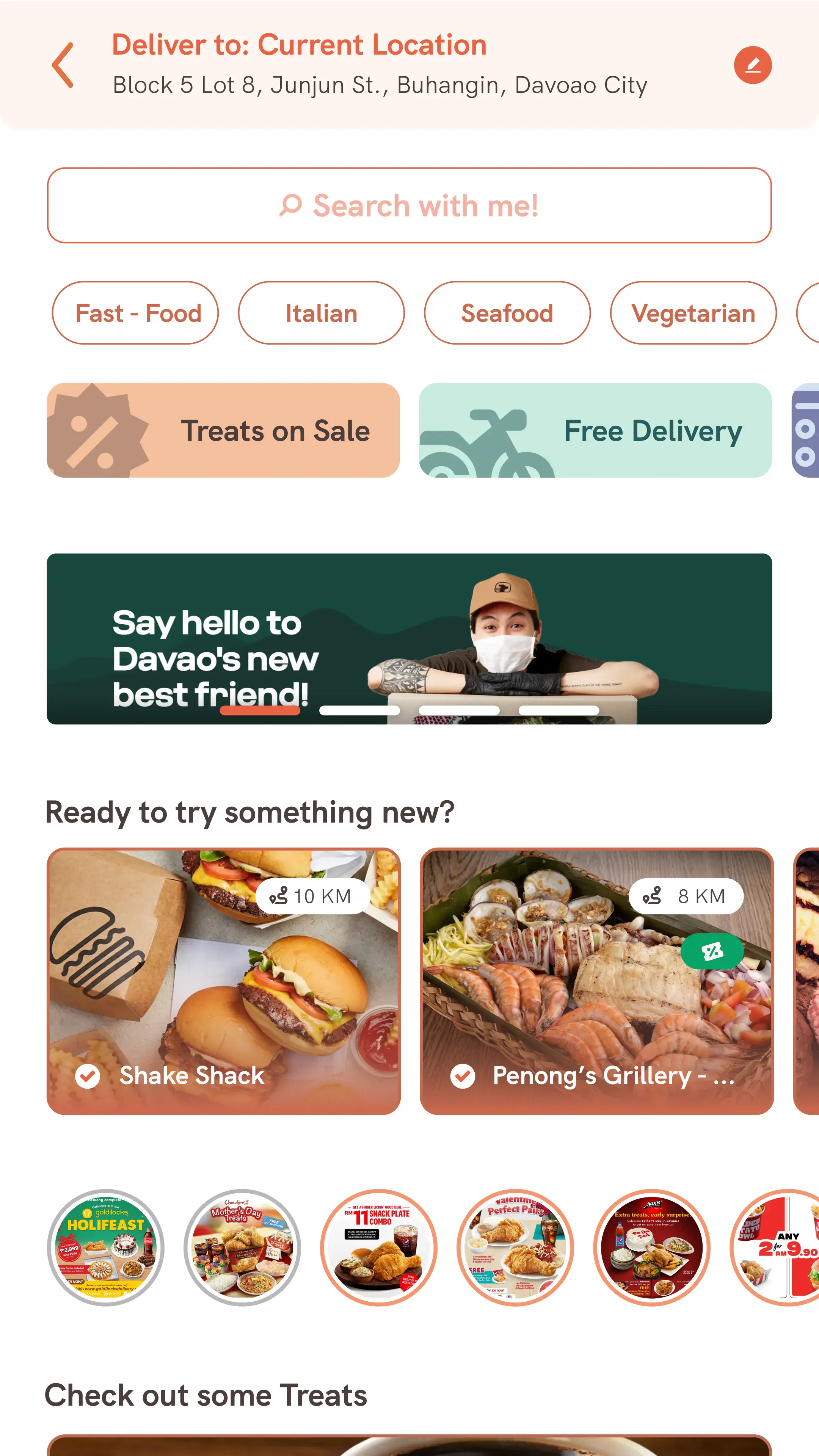
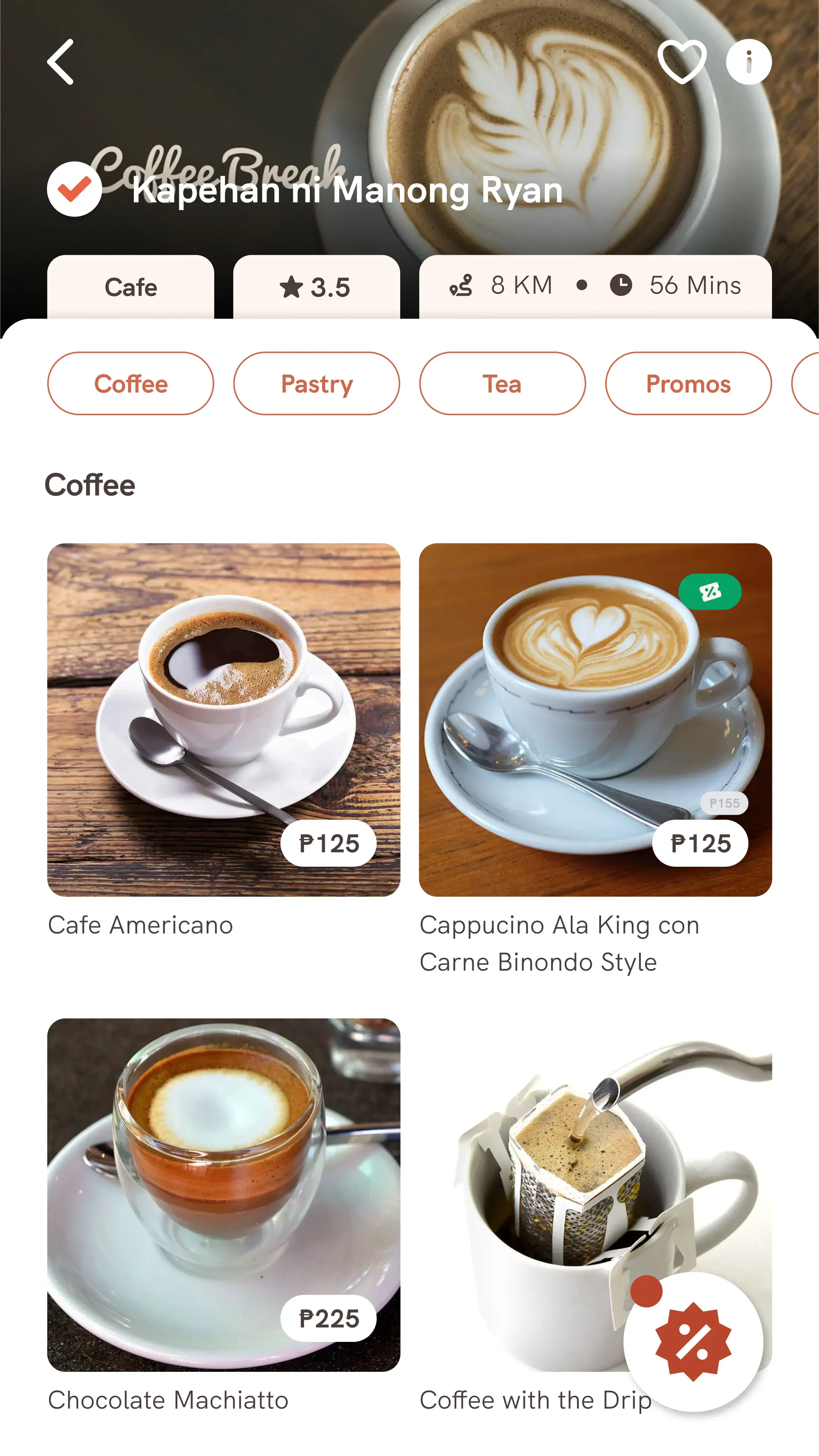
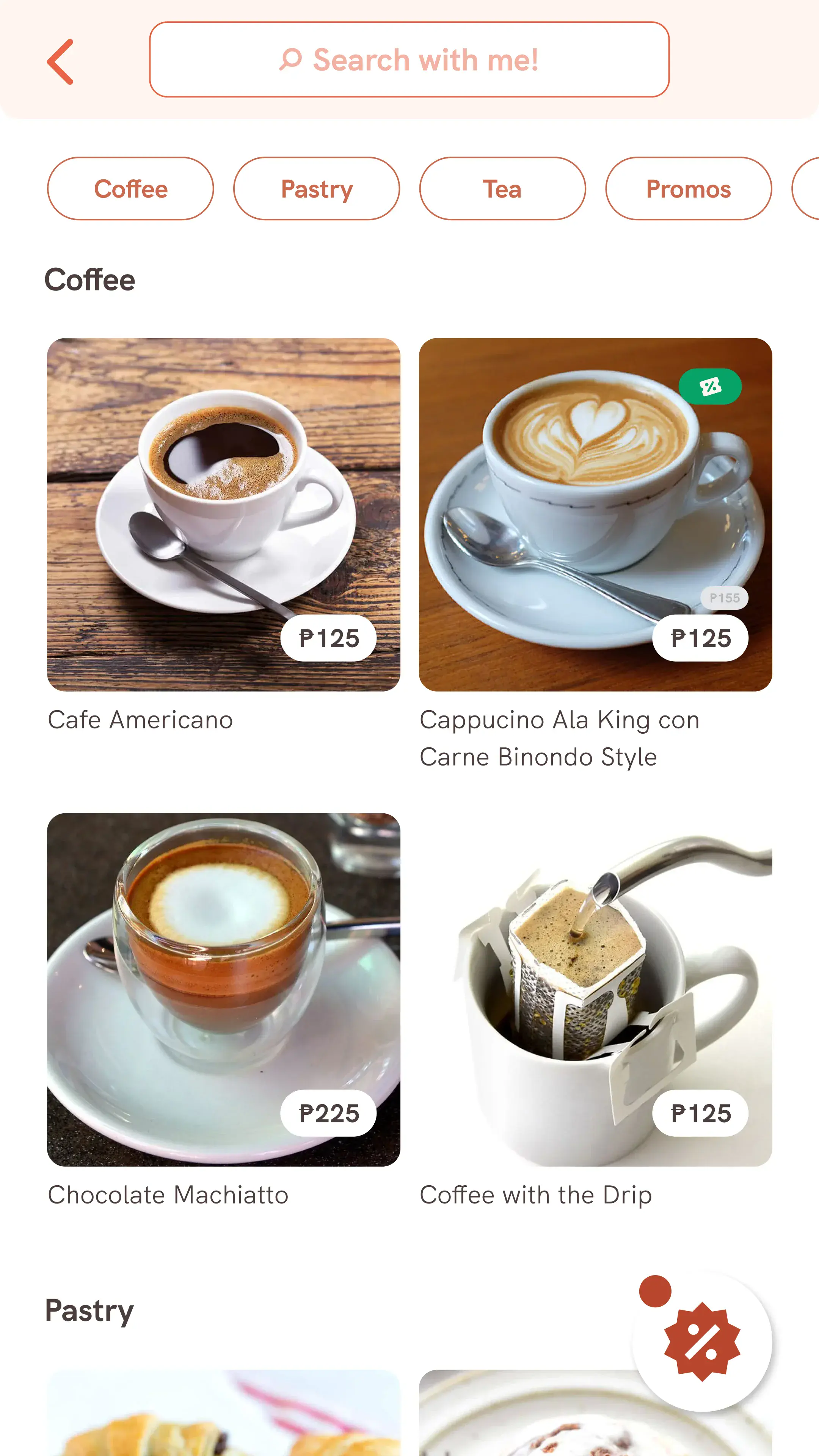
Sample screens from the previous designer. Orange-outlined inputs confused users, illustrations were inconsistent, and spacing varied on every screen.
What I fixed
Started fresh. Built the system first.
Broken
- ✕1080x1920 frames — not a real device size
- ✕No color palette, type scale, or components
- ✕Tangled prototype connections
- ✕Inconsistent spacing across every screen
Rebuilt
- ✓iPhone 13 Pro frames (390x844) with safe areas
- ✓Full design system: colors, type, components
- ✓Organized flows per persona (Buyer, Seller, Rider)
- ✓8px spacing grid with consistent margins
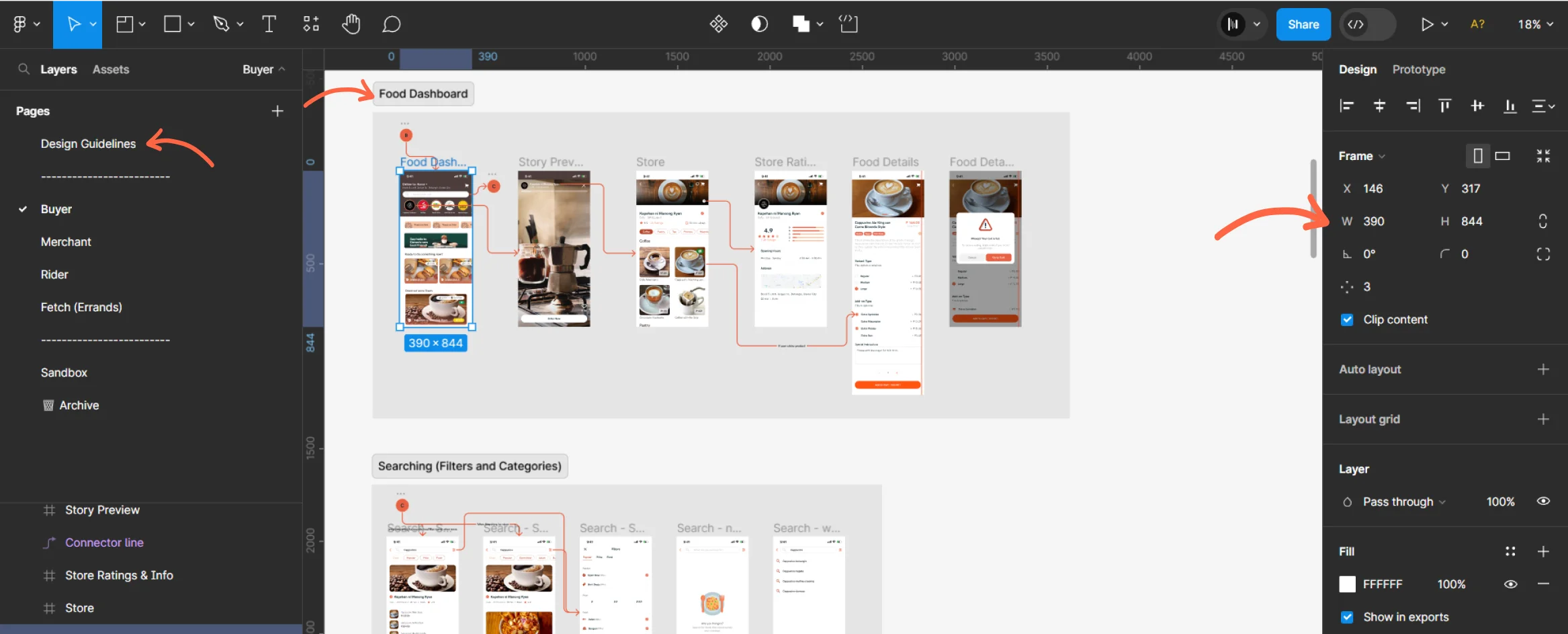
Rebuilt file: Design Guidelines page, organized persona sections (Buyer, Merchant, Rider, Fetch), proper 390x844 frames, and clean layer naming.
Design system
Typography, colors, and components — defined before any screen.
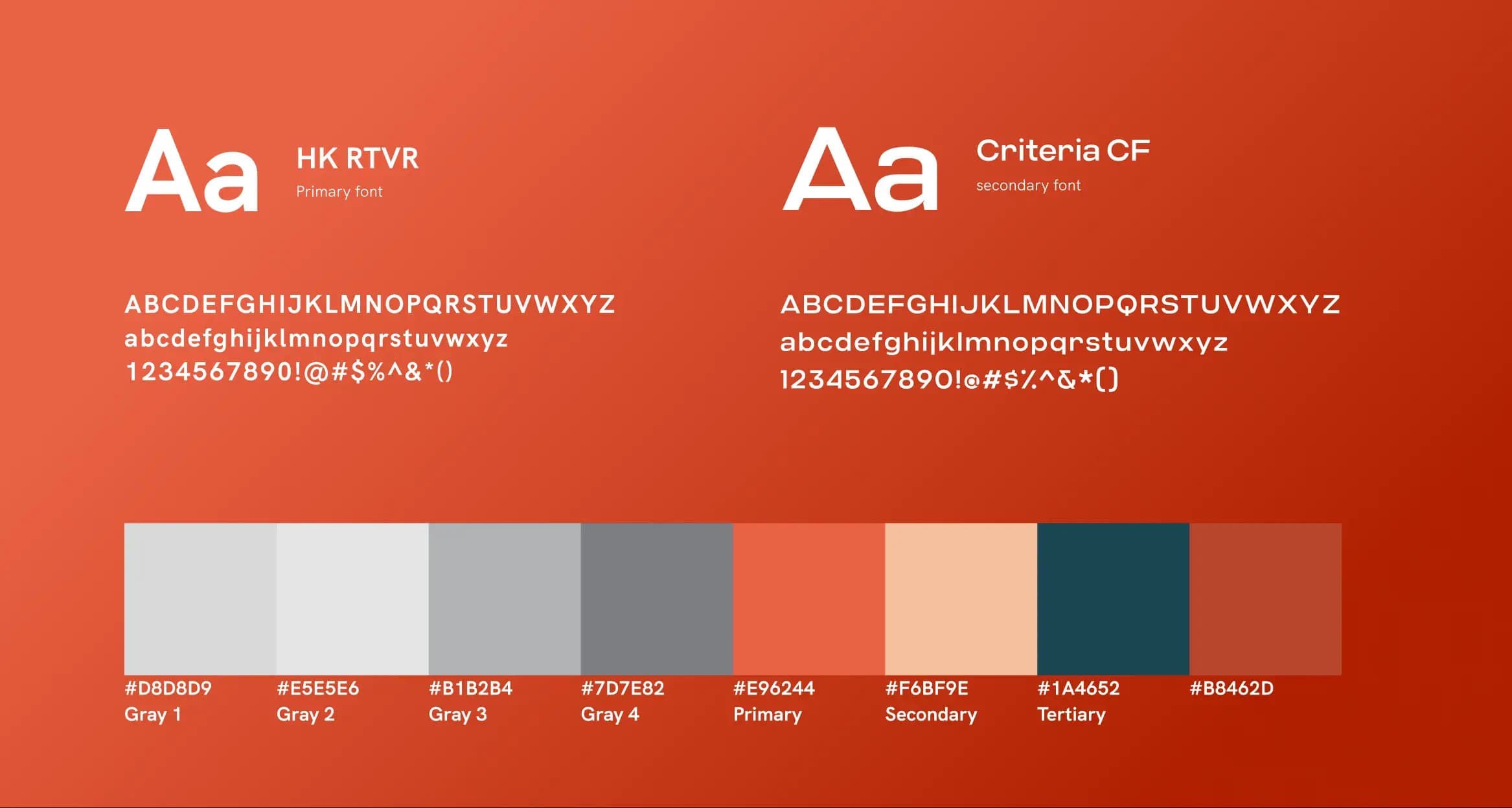
HK RTVR (primary) and Criteria CF (secondary). Client-specified color palette with proper contrast ratios across all interface elements.
Key screens
Four areas that show the biggest improvements.
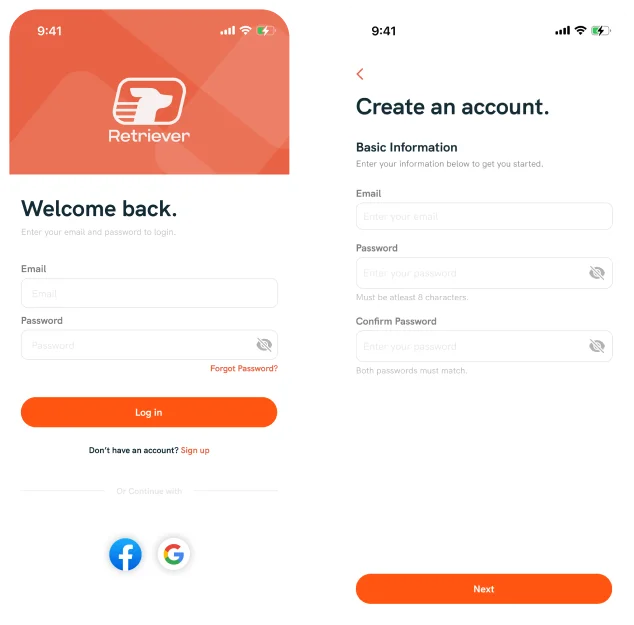
Sign Up / Sign In
Removed orange-outlined inputs that looked like error states. Cleaned up unnecessary illustrations. Added proper validation hints and password visibility toggles.
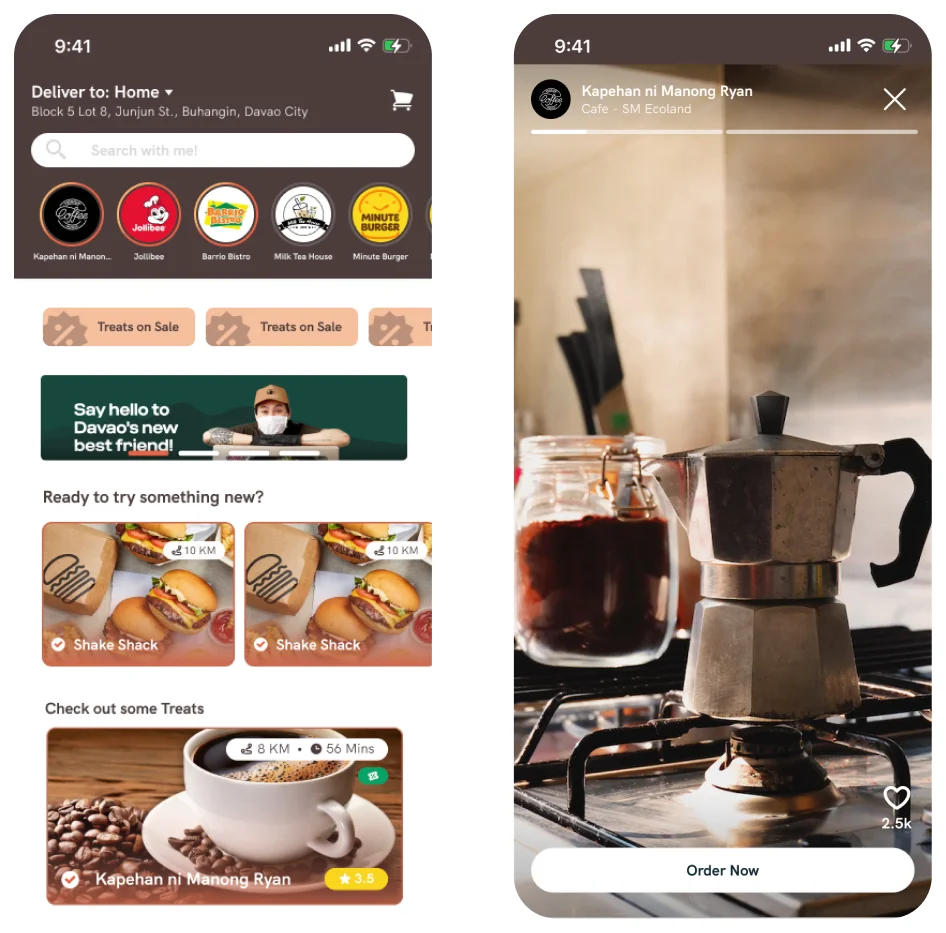
Food Dashboard
Established clear hierarchy: stories first, then offers and discounts, then food. Added viewed/unviewed indicators to stories. Reorganized restaurant cards with consistent distance and rating placement.
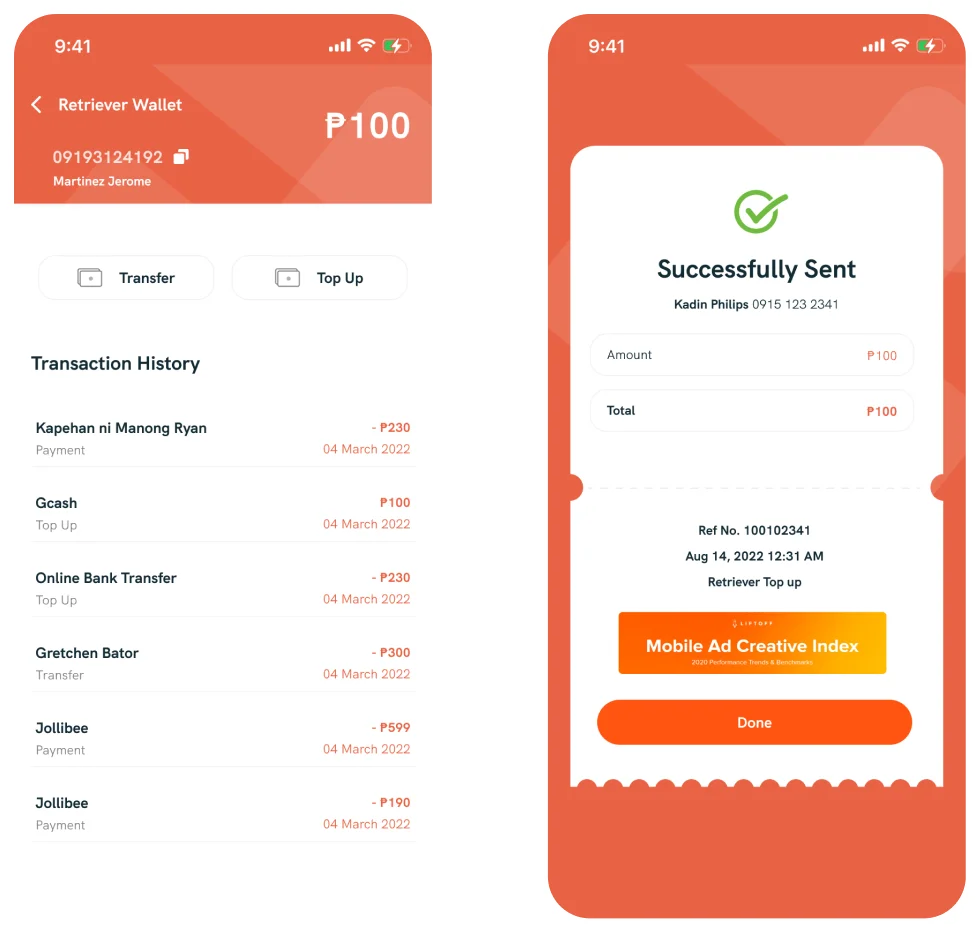
Product Details & Wallet
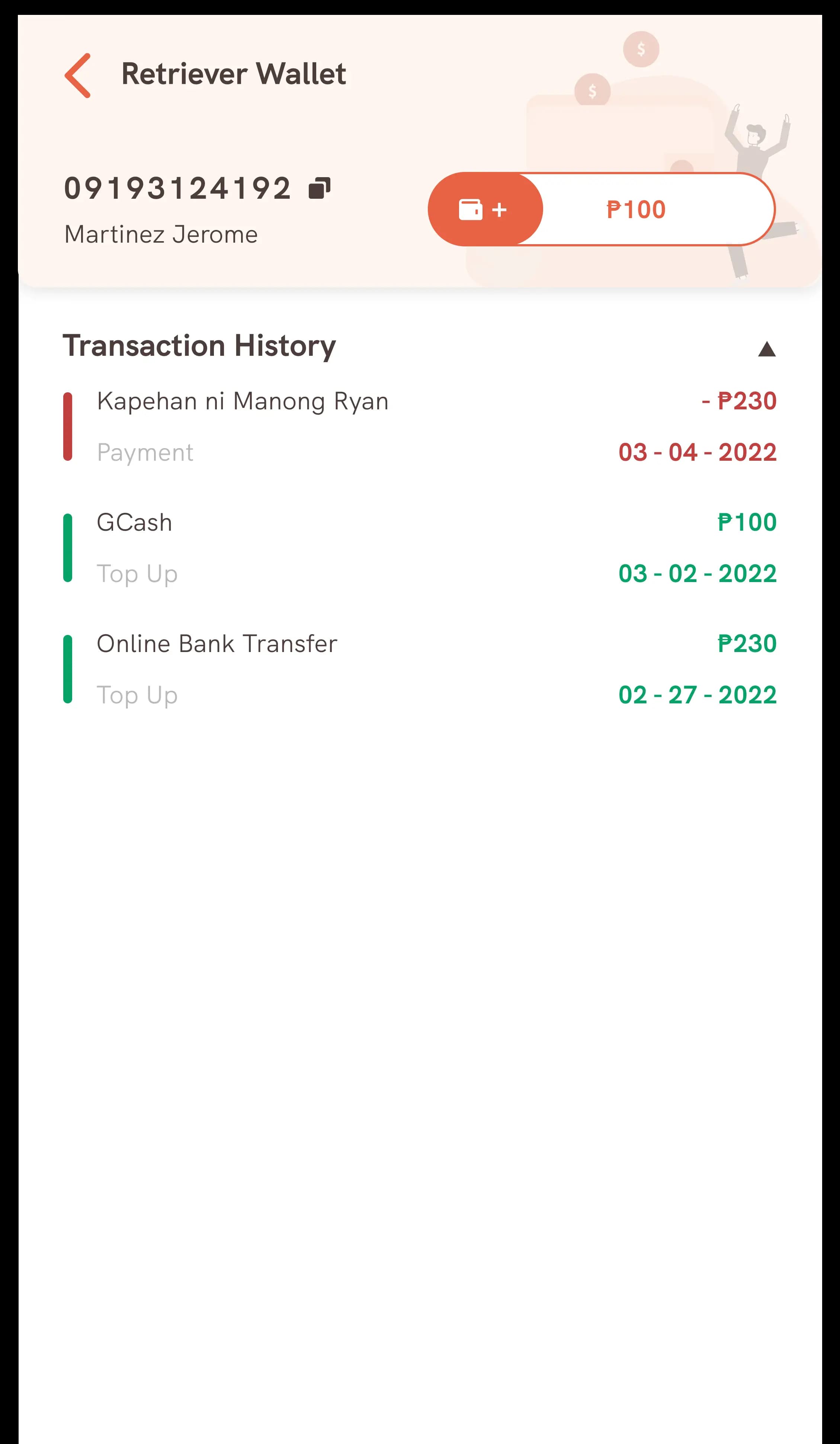
Removed text overlays on food images for a cleaner, consistent look. Redesigned wallet with clear balance visibility, proper transaction history, and a new receipt confirmation screen.
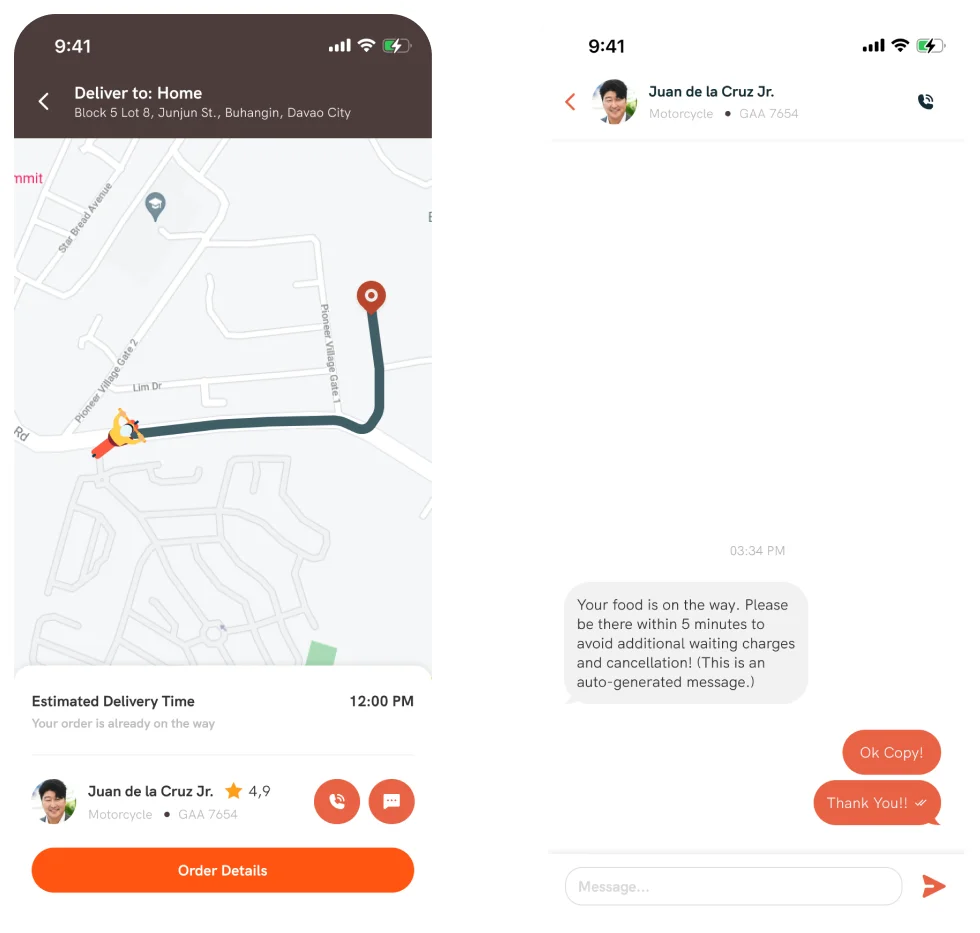
Order Tracking
Designed from scratch — this screen didn't exist before. Live map with driver location, estimated delivery time, and in-app messaging. Kept it minimal since users check briefly then leave.
Outcome
Development was unblocked. The team shipped with a clean, consistent design system across all three user types.
54
Screens redesigned
3
User types (Buyer, Seller, Rider)
2 mo
Audit to complete handoff
Stack
More Projects